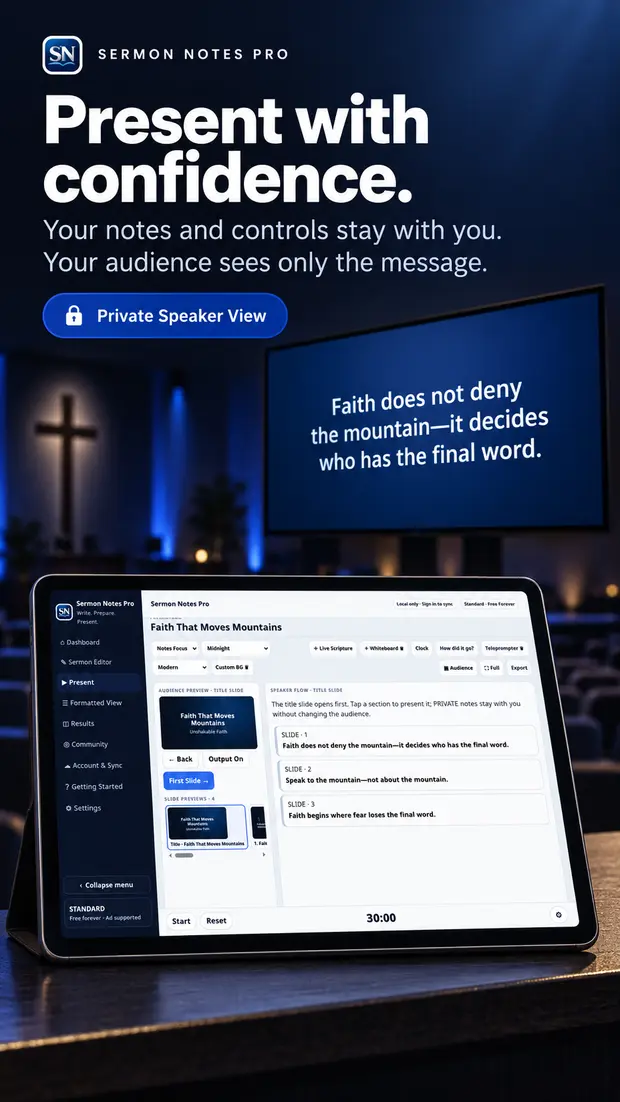
Presenter Mode
Your notes stay with the message.
See what you need to say, what the audience sees, and what comes next in one connected presentation view built for the person speaking.
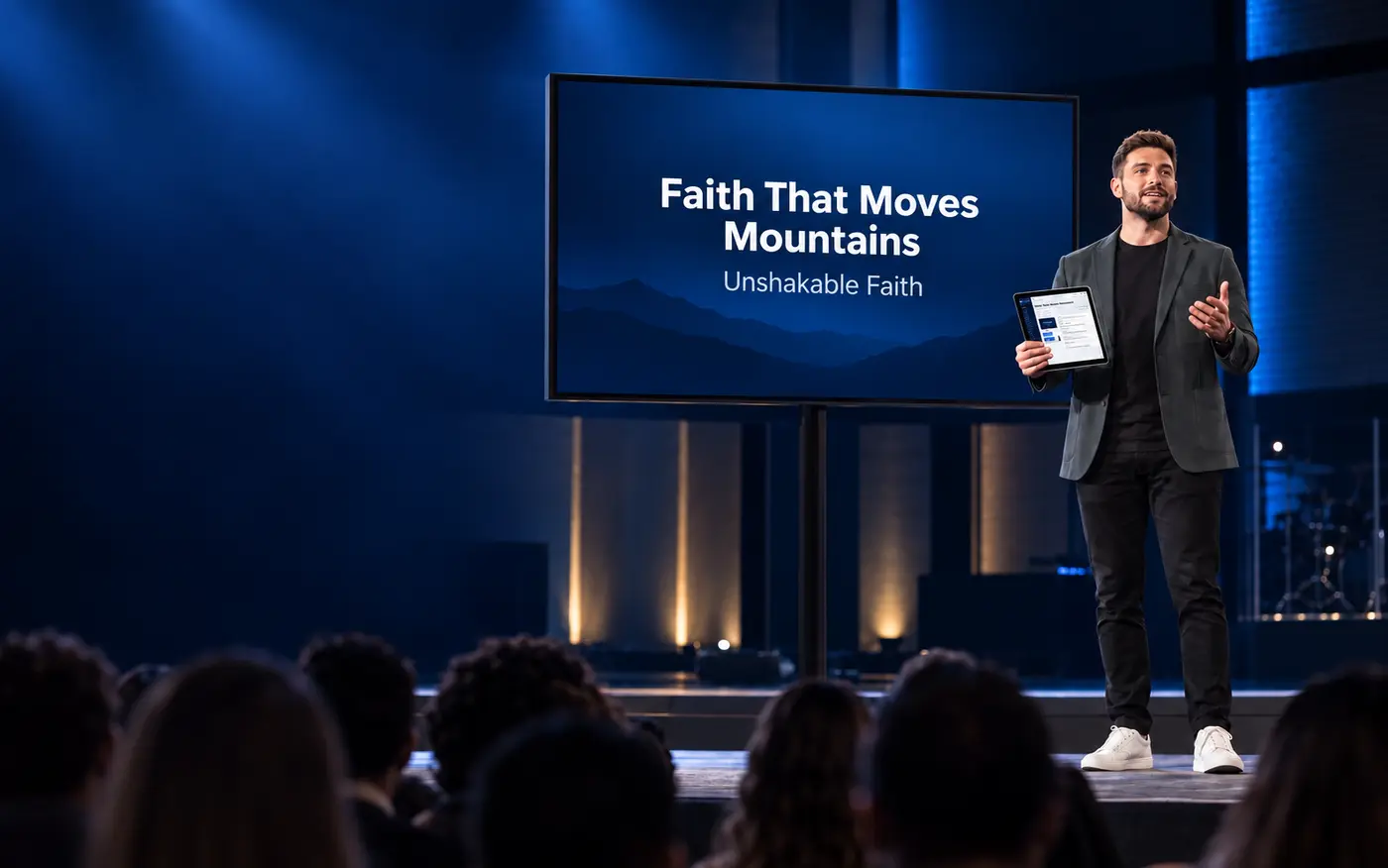
A word processor built for speakers
Sermon Notes Pro is designed around the way speakers actually prepare—write in movable sections, add Scripture, notes, images, and media, then present from the same message with audience slides ready to go.
Standard is free forever · No credit card required · Pro is $4.99/month after a 7-day free trial
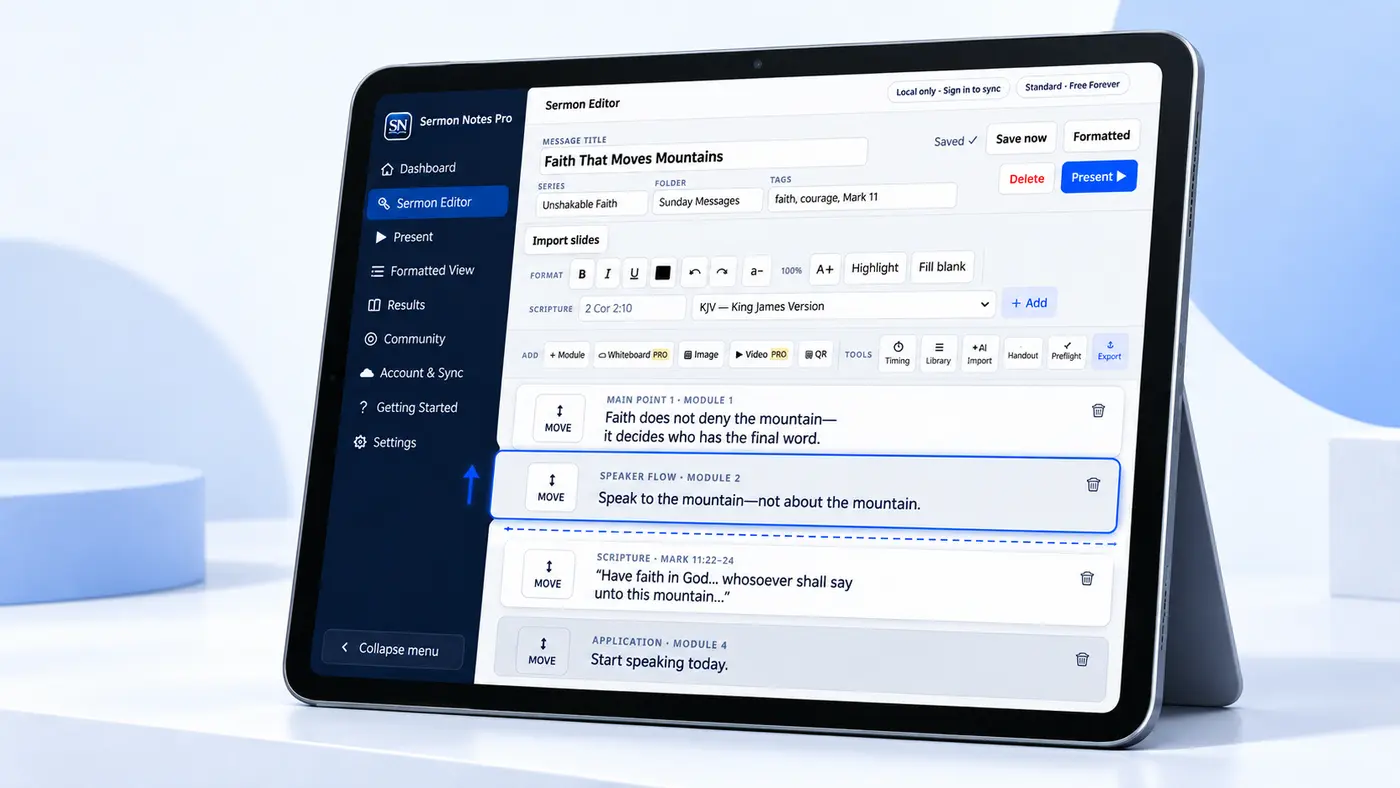
When the third point belongs first, drag it there. The complete thought—and the slide connected to it—moves with you.
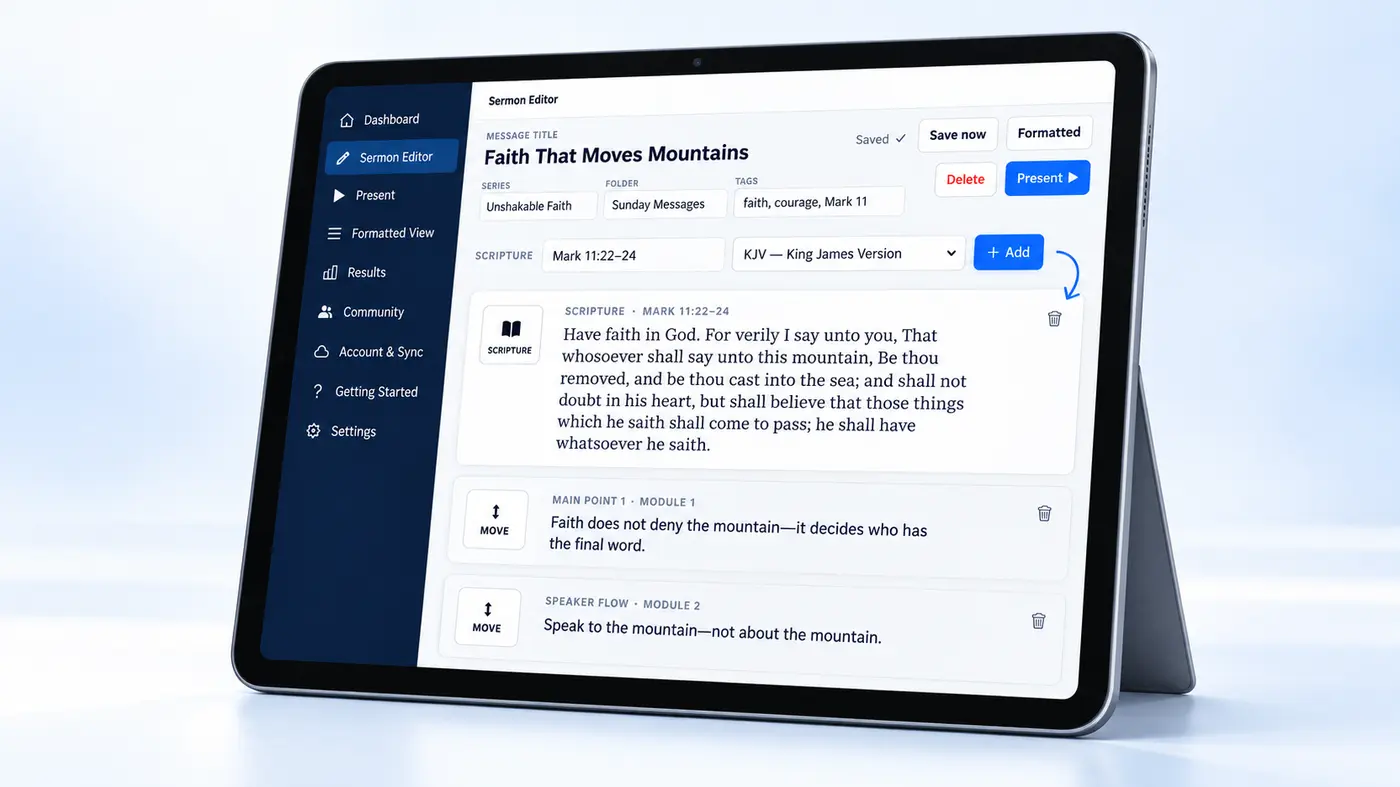
Choose the reference and Bible version. The formatted passage appears inside your message, ready for your notes and the audience screen.
Write. Prepare. Present.
Once the message is written, the same app helps you rehearse, present, broadcast, and share it—without rebuilding your work in another program.
See what you need to say, what the audience sees, and what comes next in one connected presentation view built for the person speaking.
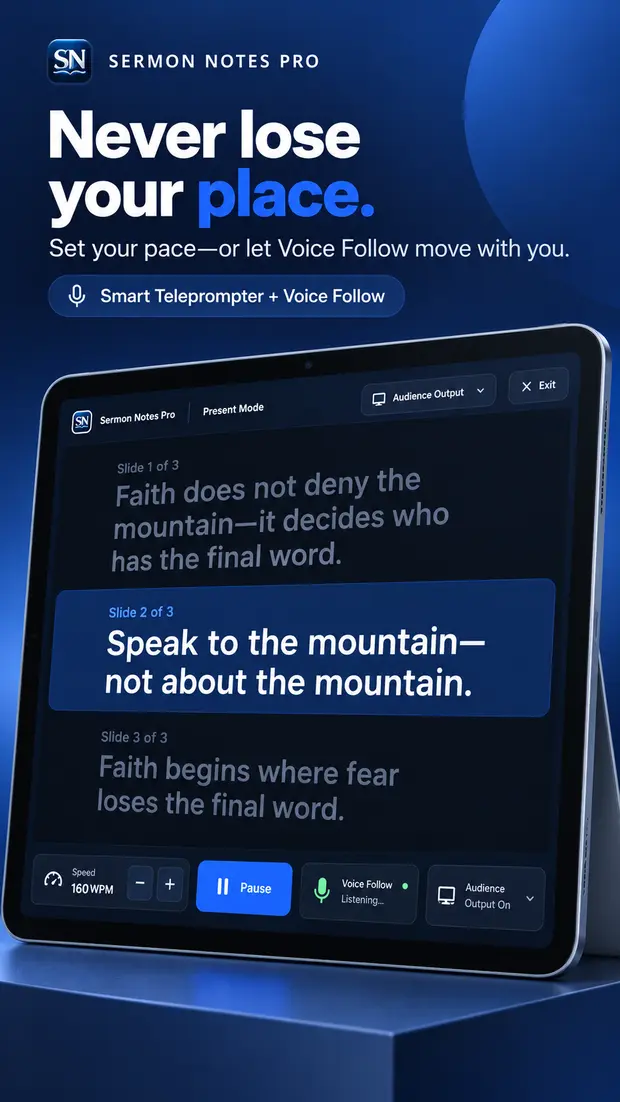
Read at your pace while Voice Follow tracks what you are actually saying, keeps the current line highlighted, and can move slides forward with you.
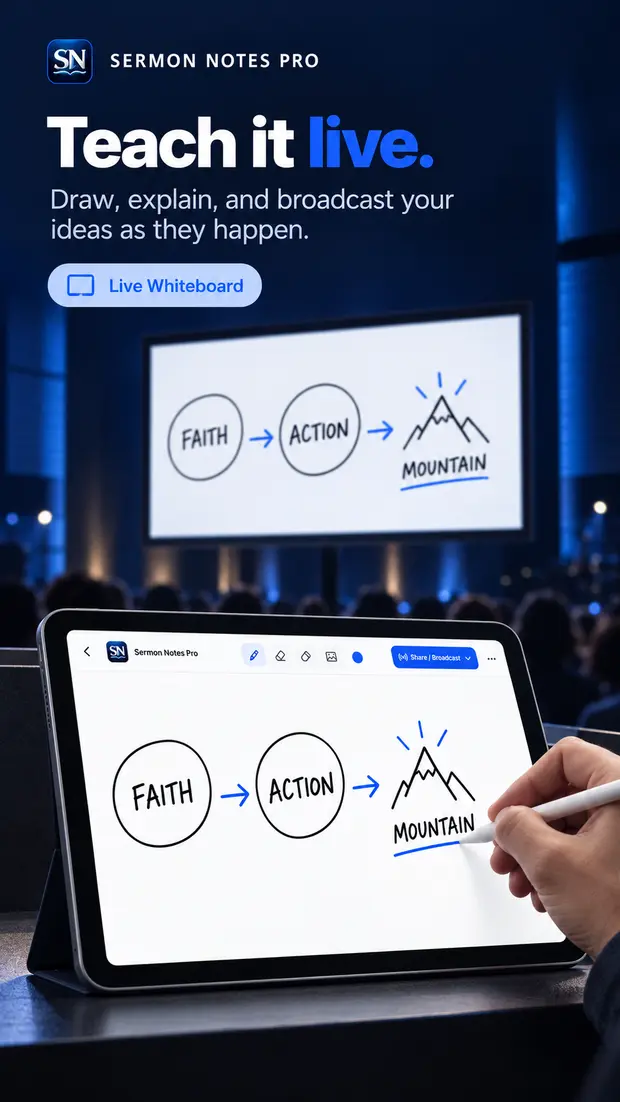
Turn the tablet into a live teaching surface. Sketch, underline, explain, and send the board to the audience screen as the idea unfolds.
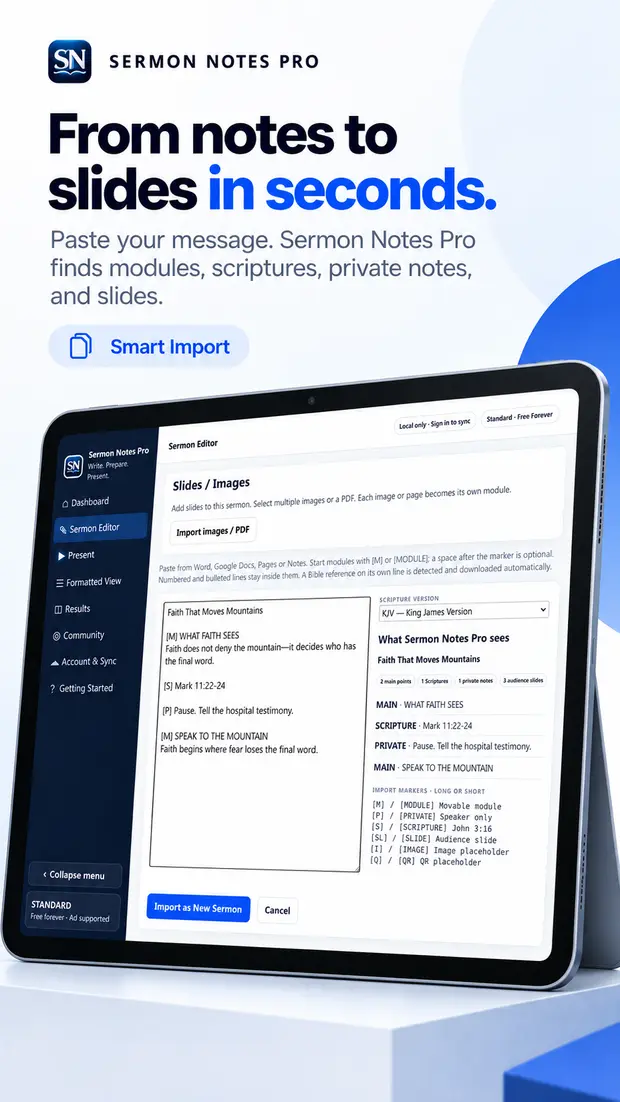
Import a message and turn its sections, Scriptures, and private notes into organized modules instead of rebuilding the sermon by hand.
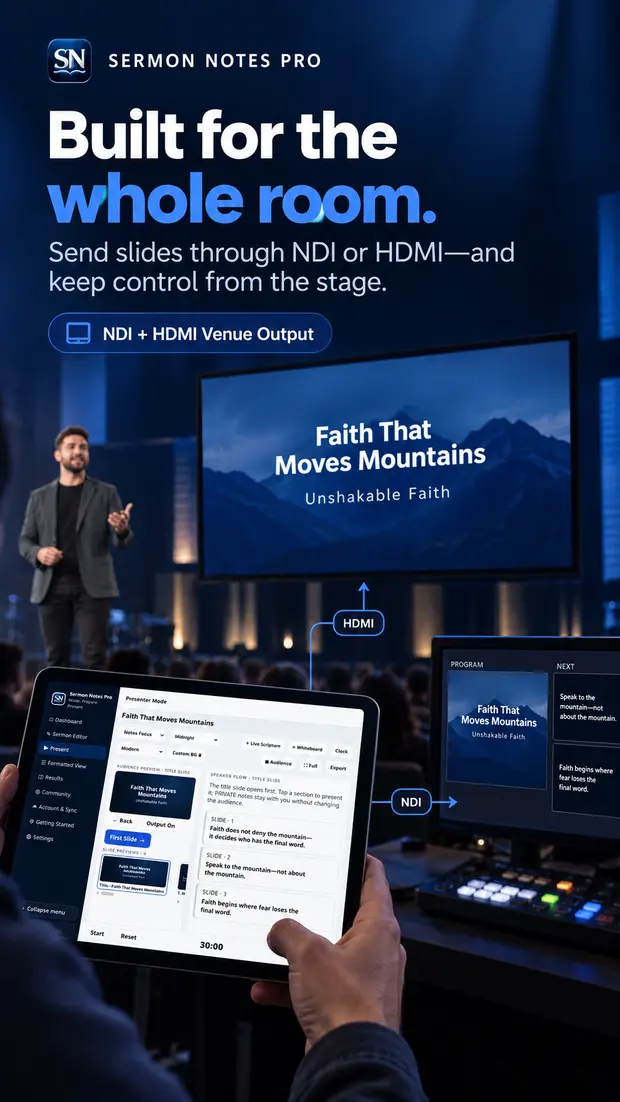
Connect to supported venue workflows through NDI or HDMI and keep slide control close to the speaker—even when the room has a full production setup.
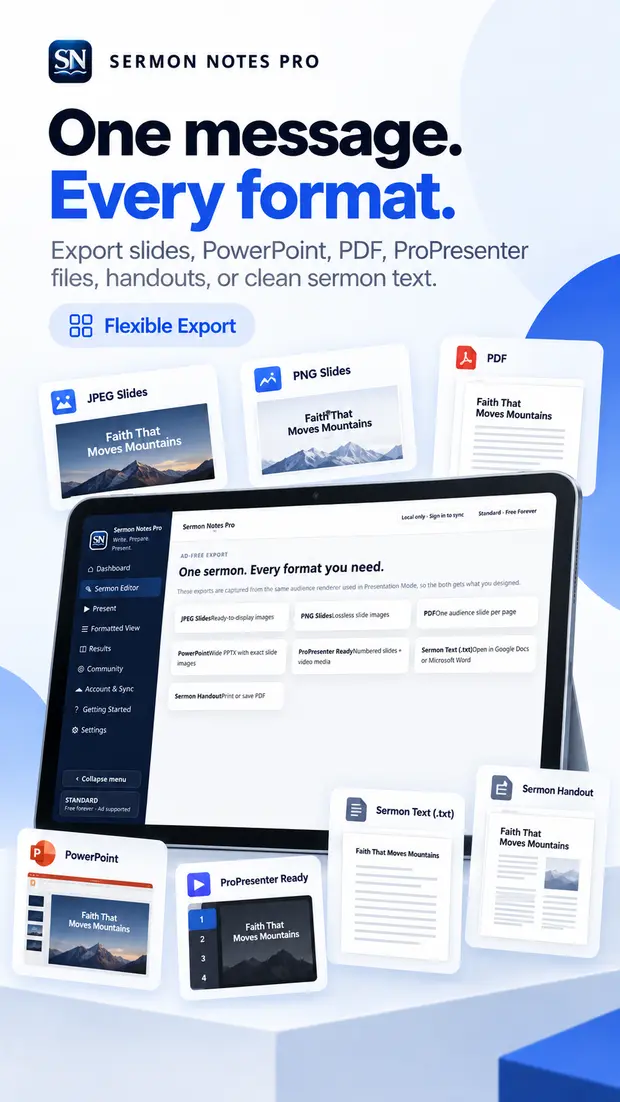
Turn the same message into audience slides, a handout, a PDF, presentation-ready images, or simple text without recreating the content.
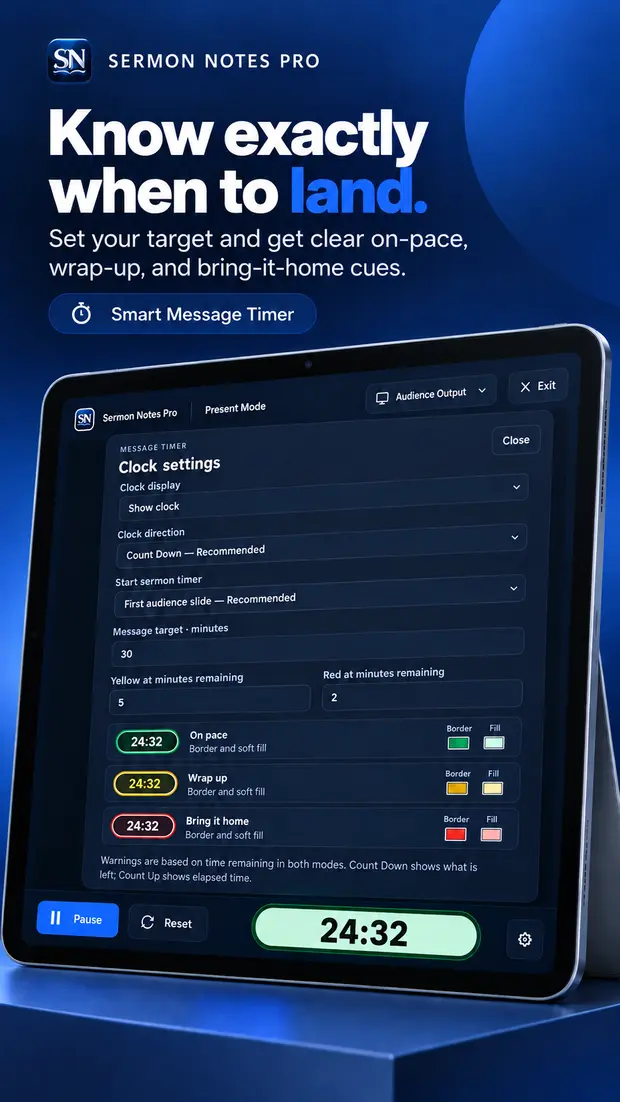
Set your target and let simple green, yellow, and red cues tell you whether you are on pace, approaching the close, or need to bring it home.
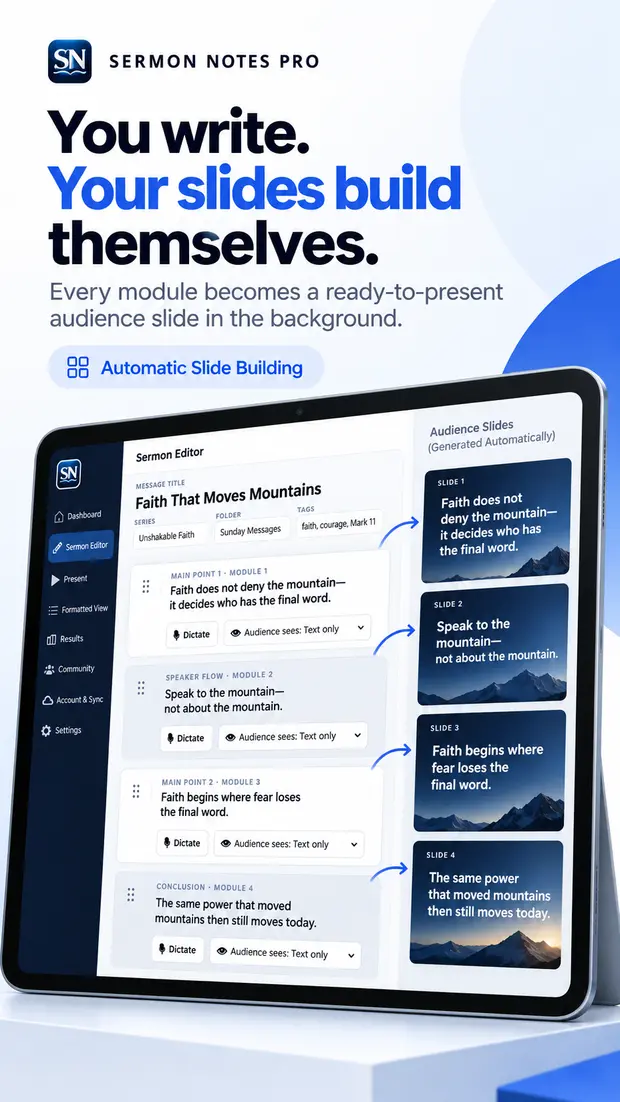
Keep writing your message. Sermon Notes Pro quietly turns each presentation-ready module into the next audience slide as you go.
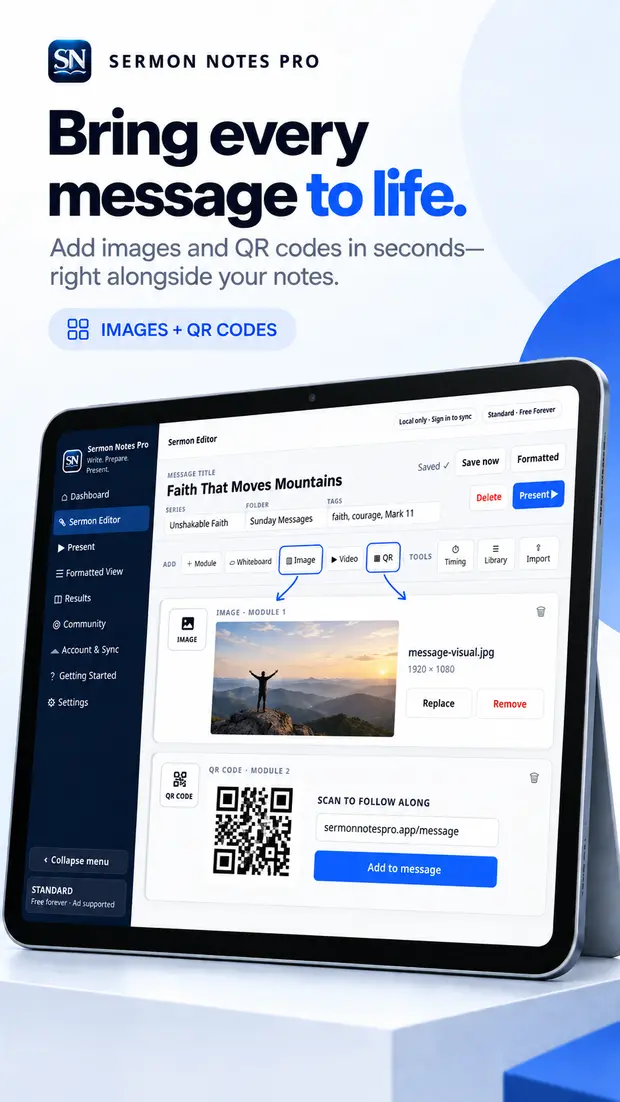
Add images as audience slides and generate QR codes for giving, registration, resources, social pages, or any link you want everyone to open.
Simple pricing
Standard is free forever and includes the tools needed to write, organize, and present real messages.
Build the message and get it on the screen. Ad-supported in the Editor, with no ads while you present.
Everything in Standard, plus advanced tools built for speakers who want the whole advantage.
Why I built it
I didn’t need another place to store sermons. I needed something that would get out of my way while the message was still becoming the message.
Dr. Ren Schuffman
Pastor and creator of Sermon Notes Pro
Use Sermon Notes Pro anywhere
The web app is ready now. Android is in Google Play review, and the iPhone app is coming soon.
Your words, your voice, your notes, and your slides—together from first thought to final screen.