
Sermon writing app
Write the sermon. Keep every thought ready to move.
Build your message in sections, add Scripture where it belongs, and carry the same sermon into delivery. Sermon Notes Pro gives pastors a clear path from first outline to speaker view.
Move a whole point without rebuilding your notes.
Start with the main ideas you want to communicate. Put each thought in a movable section. When the message changes shape, reorder a section instead of cutting and pasting its paragraphs into a new place.
Keep writing in your own words. The editor helps organize a sermon; it does not write one for you.
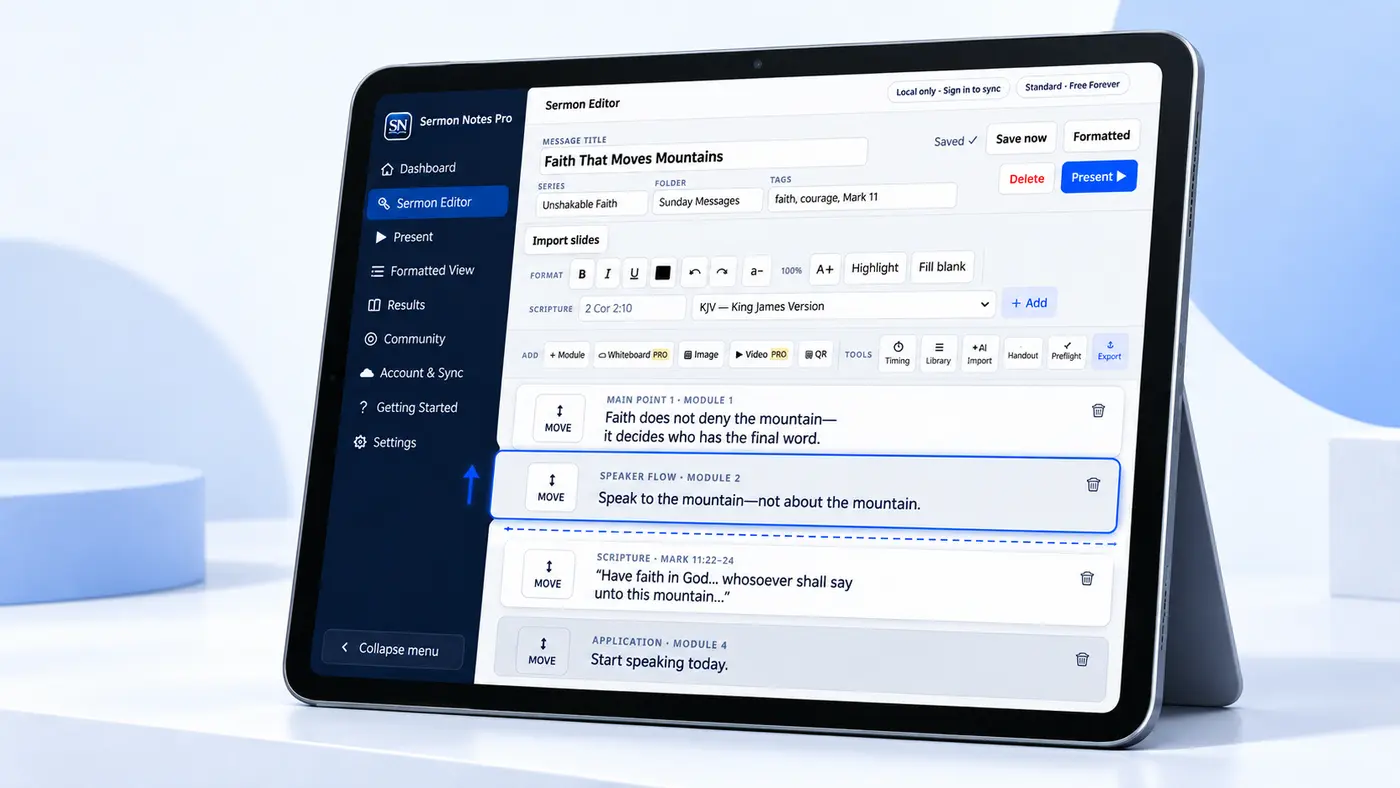
A practical writing flow for your next sermon
Name the main thought
Give the sermon a working title and write the points you need the room to remember.
Write in sections
Develop each point separately. Add a Scripture reference and choose an available translation when the passage supports that point.
Find the clearest sequence
Move entire sections until the introduction, teaching, illustration, and response flow naturally.
Example outline: “Faith that takes a step” → the question people bring → a passage to examine → a real illustration → one clear invitation. Each part can move while the sermon is still taking shape.
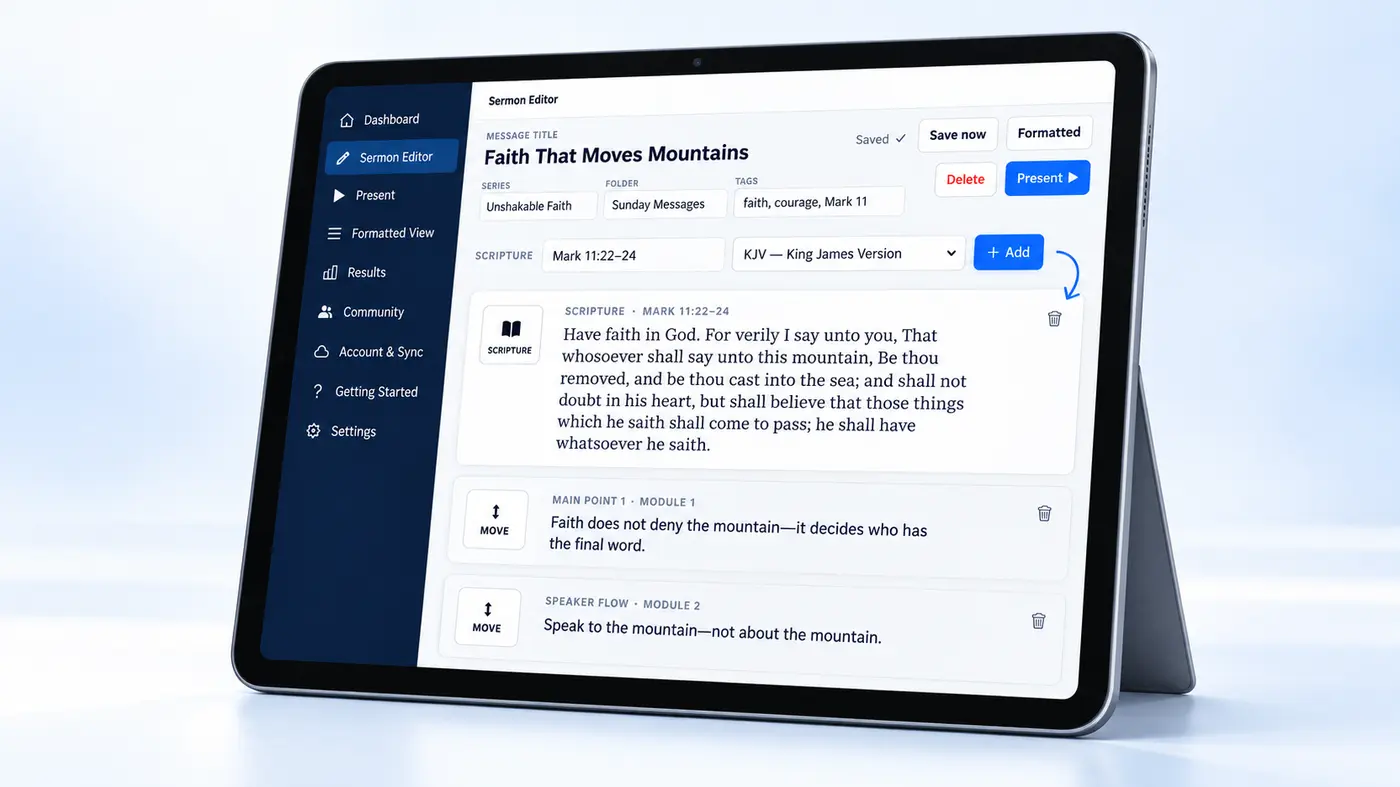
Keep Scripture with the point it serves.
Enter a Bible reference, choose an available translation, and bring the passage into your notes. Check the text and attribution before presenting or sharing it. Translation availability depends on the edition and device.
When you are ready to speak, open the presentation workflow to keep your private notes and audience content connected to the same message.
Questions pastors ask before switching tools
Can I start on the web?
Yes. Open the web app and begin a message with the free Standard tools.
Can I present from these notes?
Yes. The same message opens in Presentation Mode, with speaker notes and audience content chosen for the room. See how sermon presentation works.
Is it available on my phone?
The Android app has a public Google Play listing. The iPhone app is coming soon; the web app is available now.
Start with the sermon you are preparing this week.
Write in movable sections and take the message into presentation when it is ready.